
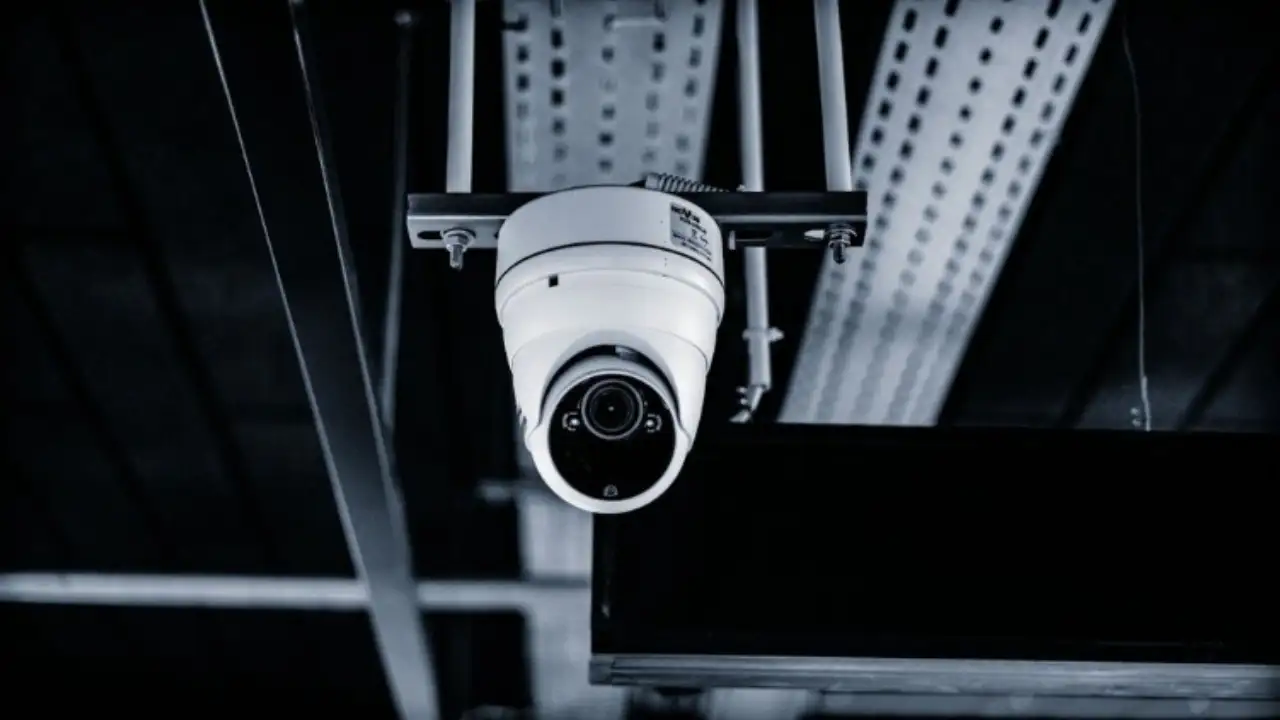
Here’s Why Your Security Setup Might Be Worthless
You’ve probably walked past dozens of security cameras in restaurants without giving them much thought. But here’s something that should worry any restaurant owner: when trouble strikes, most of those cameras won’t give you anything useful. It’s not that the equipment is bad—it’s that nobody thought through where to actually put the things. Gaps in coverage, weird angles that blur everything, reflections that wash out the screen.
And while all this is happening, restaurants are quietly losing anywhere from 6% to 15% of their revenue every single year to theft and mistakes. This isn’t rocket science, though. We’re going to walk through the biggest restaurant security camera mistakes people make and give you fixes that won’t require a PhD.
Here’s something most people miss: understanding what each camera angle needs to accomplish saves you from tearing everything down and starting over three months later.
What Your Camera System Actually Needs to Do (Not Just “Cover Everything”)
Throwing cameras up randomly doesn’t work. You need intentional placement that captures specific things in specific zones.
What “Good Coverage” Actually Looks Like
Think about what you’re really trying to prevent or document. You want to stop people from stealing cash or inventory. You need to settle arguments with customers who claim they never got something. Delivery disputes? You need proof. Someone gets hurt? That footage better shows what happened. Staff doing shady stuff during opening or closing? Yep, you need eyes on that too—and that’s exactly why choosing the right security cameras for restaurants matters.
But saying “I want coverage” is too vague. Get specific. At your entrance, can you actually identify someone’s face, or just see that a human-shaped blob walked in? At the register, can you clearly see hands touching the cash drawer? When someone grabs a bottle from behind the bar, is that action crystal clear? And if you’ve got a parking lot, can you capture license plates when it matters? Are deliveries recorded clearly enough to prove who handed what to whom?
Without this level of detail baked into your plan, you’re not securing your business—you’re just creating a video archive of blurry nonsense.
Your Pre-Installation Reality Check
Before you mount anything, map out every zone in your restaurant. Label what each camera’s job is—some need to identify faces, others track general activity, some just provide wide overviews.Set image quality standards for each type of zone. Your entrance camera needs face-recognition clarity. Your dining room camera? That can be a wider shot showing traffic patterns.
Test your lighting at different times of day. Late afternoon sun hits differently than 10 PM under your exterior floods. Make absolutely sure your storage system can handle the volume you’ll be recording—nothing’s worse than discovering you’re only keeping two days of footage when you need last Tuesday’s closing shift. And don’t forget: can your internet even handle this much data streaming during Saturday night dinner rush when everyone’s also on their phones?
Now let’s talk about the planning mistakes that sabotage most restaurant surveillance systems before a single camera goes up.
Planning Phase Disasters: Where Most Restaurant Security Camera Mistakes Happen
The most expensive mistakes happen before installation day. Rush this part and you’re throwing money away.
Picking Cameras Before Understanding Your Space
Tons of operators shop by price or fancy features without actually thinking about their specific layout. Bad move. Instead, create a detailed map splitting up front-of-house, back-of-house, and outside areas. Then match camera styles to what each zone needs. Dome cameras work great for general dining areas. Turret cameras are better at entrances where catching faces matters. Bullet cameras handle parking lots. Varifocal lenses let you tweak the view later without replacing hardware.
The “We’ll Just Use Fewer Cameras” Trap
The budget’s tight, so you figure you’ll buy three cameras with super wide lenses instead of six cameras with appropriate coverage. This backfires spectacularly. Wide-angle lenses distort everything, especially at the edges. Faces become tiny and unrecognizable. You miss crucial hand movements at registers. Corners turn into dead zones.
The smarter approach? Layer your coverage. Use overview cameras for general monitoring, then add dedicated cameras for high-stakes spots like cash registers and entry doors. Costs more initially, but when you actually need that footage, you’ll have it.
Forgetting Restaurants Change
Your layout isn’t permanent. Summer means patio season. You’ll move the host stand. New POS terminals get added. If your system can’t adapt, every change costs you big money in rewiring. Get an NVR with extra unused channels. Run more cable than you think you’ll need during initial installation—cable is cheap now, outrageously expensive later. Flexible mounts and varifocal lenses mean you can adjust without replacing everything.
Even brilliant planning falls apart if you mess up these critical zones—this is where placement errors hurt restaurants the most.
The High-Stakes Zones Where Restaurant Camera Placement Usually Fails
Some spots in your restaurant matter way more than others. Screw these up and your whole system becomes decorative.
Entry and Host Stand Blindness
Classic mistake: mounting the camera way too high or pointing it straight at glass doors with bright daylight behind them. You get perfect silhouettes and zero useful faces. Instead, angle cameras slightly downward along the entry path itself, not directly at the door. Get cameras with WDR capability—that’s what handles bright backgrounds without turning people into shadows. Cover both people coming in and people leaving. Consider a second angle for those customers who wear hats or hoodies that hide their face from your first camera.
Register Camera Failures
Losing $20 here and $50 there doesn’t feel dramatic until you realize it’s thousands per month. But most register cameras are positioned behind employees, giving you a lovely view of their backs. Screen glare blocks half the view. Nobody’s thought about whether audio recording is legal in their state.
Here’s the fix: position at a 45-degree angle that captures the employee’s face, the cash drawer, and the counter surface simultaneously. Give each POS terminal its own dedicated camera. Sync the timestamp with your actual POS system logs so you can match video to transactions when investigating problems.
Bar Area Blind Spots
Bars bleed inventory, but most restaurants slap up one wide camera that catches nothing useful. You need targeted angles on the well where drinks get made, plus separate coverage of wherever you store the expensive bottles. Position cameras to capture bottles being taken or returned, not just a general bar overview that shows nothing specific.Covering the right zones doesn’t matter if your height, angle, and lens choices create footage that can’t actually prove anything.
Technical Positioning Mistakes That Destroy Your Evidence
Details matter more than people think. Small positioning errors make footage useless.
The “Mount It High” Mistake
Ceiling-mounted cameras give you gorgeous shots of the tops of people’s heads. Completely useless for identification. For entrances and registers, mount between 7-9 feet, angled downward. For hallways, go lower and use varifocal lenses to tighten the frame on critical areas. Every extra foot of height makes faces harder to identify.
Aiming at Windows and Shiny Surfaces
Glare and reflections wreck footage. Enable WDR or HDR in your camera settings. Adjust the angle 10-15 degrees to dodge direct reflections. In some cases, polarizing filters help. Sometimes the easiest fix is just adding more ambient lighting to balance out the bright spots.
Wide-Angle Lens Overload
Ultra-wide lenses sound great because they “see everything,” but they distort edges and shrink faces to nothing. Combine wide overview cameras with second cameras focused specifically on faces and transactions. Aim for at least 1080p resolution in high-traffic zones—anything less and you’re wasting your time.Perfect placement becomes worthless if lighting issues make your footage too dark, washed out, or blurry to actually use.
Lighting Problems That Kill Footage Quality
Restaurants have complicated lighting that changes throughout the day. Even well-positioned cameras fail without proper lighting consideration.
Infrared Reflection Disasters
IR cameras too close to walls or signs bounce infrared light back, creating white-out zones that show nothing. Dome cameras especially suffer from IR reflecting inside their own housing. Switch to turret-style cameras. Move cameras away from reflective surfaces. Or just disable IR entirely and add external white light. Many cameras let you adjust IR intensity—use that setting.
The Color Shift Problem
Your restaurant probably has neon signs, harsh kitchen lights, and mood lighting in the dining room—all at once. This creates bizarre color shifts that make faces look weird and details disappear. Set manual white balance for each zone and test footage during actual busy hours, not during quiet setup when lighting is completely different.Even crystal-clear test footage can vanish during dinner rush if your installation foundation has these commonly overlooked technical problems.
Installation Shortcuts That Ruin Everything (Key CCTV Installation Tips for Restaurants)
Quality cameras fail when installation corners get cut. These mistakes are avoidable but surprisingly common.
WiFi Cameras in Busy Environments
Wireless cameras sound convenient until they drop connection during Friday night rush when your dining room is packed with smartphones killing your bandwidth. Run wired PoE networks instead. Create a dedicated VLAN just for cameras, separated from guest WiFi. Put your switch and NVR on UPS battery backup so brief power hiccups don’t kill your recording.
Lazy Cable Routing
Restaurant back-of-house areas expose cables to grease, rodents, water, and employees who might tamper with things. Run cables through conduit in kitchen areas. Install drip loops where cables enter boxes to prevent water from creeping in. Use junction boxes with tamper-resistant screws. Tedious during installation, but it prevents disaster later.
Time Sync Failures
Footage with wrong timestamps becomes useless when you’re trying to match it to POS reports or incident times. Enable NTP time sync across your NVR, cameras, and POS system. Document timezone settings and verify how daylight saving time is handled so timestamps stay accurate all year.Flawless technical setup can become a legal nightmare if your cameras violate privacy laws or make customers uncomfortable—here’s how to stay safe.
Legal Mistakes That Create Serious Liability
Legal problems can shut down your entire system overnight. Don’t skip these basics.
Cameras in Prohibited Zones
Never put cameras in restrooms, changing areas, or employee private spaces. Breakrooms are legally murky—some jurisdictions allow it, others don’t. When you’re not sure, skip it. The legal risk isn’t worth any coverage benefit.
Audio Recording Without Permission
Audio laws vary wildly between states and countries. Many places require everyone being recorded to consent. Post clear signage stating video and audio recording is active. Better yet, just disable audio completely if you’re uncertain. Most disputes get resolved with video alone anyway.With legal boundaries clear, let’s map out actual camera placement for different restaurant formats.
Placement Maps: Best Place to Install Cameras in Restaurant Layouts by Type
Different restaurant styles need different approaches. Here’s how to prioritize based on your format.
Quick-Service Layout Strategy
QSRs need cameras on the entry and queue line, every single POS terminal, the pickup counter, dining area walkways, the kitchen pass window, back door and receiving, and the dumpster area. Put your budget into transaction zones first—that’s where loss concentrates.
Full-Service Layout Strategy
Full-service needs the host stand, bar registers, server stations where orders get entered, kitchen expo line, liquor storage, office and safe area, and all back doors. Add parking lot coverage if you have one, prioritizing the path between building and vehicles for staff safety after closing.Standard camera grids work fine, but smart restaurants are adding intelligent features that turn passive recording into active protection and operational intelligence.
Modern Features Competitors Are Sleeping On
Technology keeps improving. These upgrades deliver real value when implemented correctly.
POS Integration Overlays
Overlay transaction data directly onto video footage. This speeds up dispute resolution massively, enables better employee coaching, and helps you spot patterns in refunds and voids that might indicate problems. Most modern NVR systems support this—ask your installer.
AI Analytics That Actually Work
People counting optimizes staffing decisions. Loitering detection after hours alerts you to security issues. Intrusion zones at back doors trigger immediate alerts. Object removal detection for high-value areas catches theft in real time. These features aren’t futuristic anymore—they’re practical tools that pay for themselves.Even the smartest system fails if you never test it under real conditions—this validation routine ensures cameras perform during actual incidents.
Testing Checklist to Eliminate Restaurant Surveillance System Errors
Installation isn’t finished until you’ve verified everything works during actual operations. Don’t skip this.
Physical Walk-Through for Every Camera
Physically walk through each camera’s coverage zone. Verify you can identify faces at entrances, see hands and drawers at POS clearly, catch delivery handoffs completely, and get adequate night footage. Do this during actual busy hours, not during quiet installation.
Maintenance That Keeps Things Working
Clean lenses monthly in dining areas, weekly in kitchen zones. Check storage system health quarterly. Review alert settings to reduce false alarms. Verify camera angles haven’t shifted every few months—vibration and building settling can move cameras over time.You’ve got the complete framework now to avoid the costliest surveillance mistakes—here’s how to move forward.
When to Get Professional Help
Implementing everything here requires both technical knowledge and restaurant-specific experience. If you’re upgrading or installing from scratch, professionals who understand restaurant challenges make a huge difference. They conduct site surveys, recommend appropriate hardware for your zones, and handle technical details that determine whether your system actually works when needed.
Common Questions About Restaurant Camera Systems
What is the proper camera placement?
Position cameras at eye level or slightly above, angled downward. Too high and you only capture heads. Angle them to catch faces at entries and hand-to-register interactions at POS, not just general room views.
What patterns should you avoid on camera?
Avoid fine patterns like pinstripes, small checks, or polka dots near cameras. These cause visual strobing during recording. Watch out for textures like wool and corduroy on uniforms or decor—they create visual noise.
How often should restaurant security footage be reviewed?
Review high-risk zone footage (POS and receiving) at least weekly. Check critical incidents immediately when reported. Monthly audits of storage health and camera functionality catch problems before they matter.
Final Thoughts on Restaurant Camera Systems
Most surveillance failures happen before installation, not during it. Define your coverage goals before buying anything. Map critical zones and understand exactly what details each camera must capture. Layer coverage for both overview and identification angles. Test everything under real conditions—dinner rush, night operations, worst-case lighting.
Don’t treat cameras as a one-time project; schedule regular maintenance and verification. Restaurants that get this right don’t just have cameras decorating their walls—they have systems protecting their operations and their people. The difference between decoration and protection comes down to planning, not equipment cost. Get the planning right, and even modest equipment performs brilliantly. Skip the planning, and even expensive gear becomes worthless. Your call.For restaurants looking to implement reliable security cameras for restaurants, professional guidance tailored to your specific operation type makes all the difference.
For more informative articles, visit our site daily.
Thanks